An open-source presentation skill purpose-built for Antigravity + Kiro + Codex v0.6.0
Presentations
without the AI look.
Grounded enough to trust.
Edited enough to present.
Built to deliver.
agy-ppt turns sources and ideas into considered hybrid PowerPoint decks: visual detail stays intact while important content remains practical to edit.
A visible path from source to approval to deliverable slides.
THE WORK, IN SLIDES01 / 04
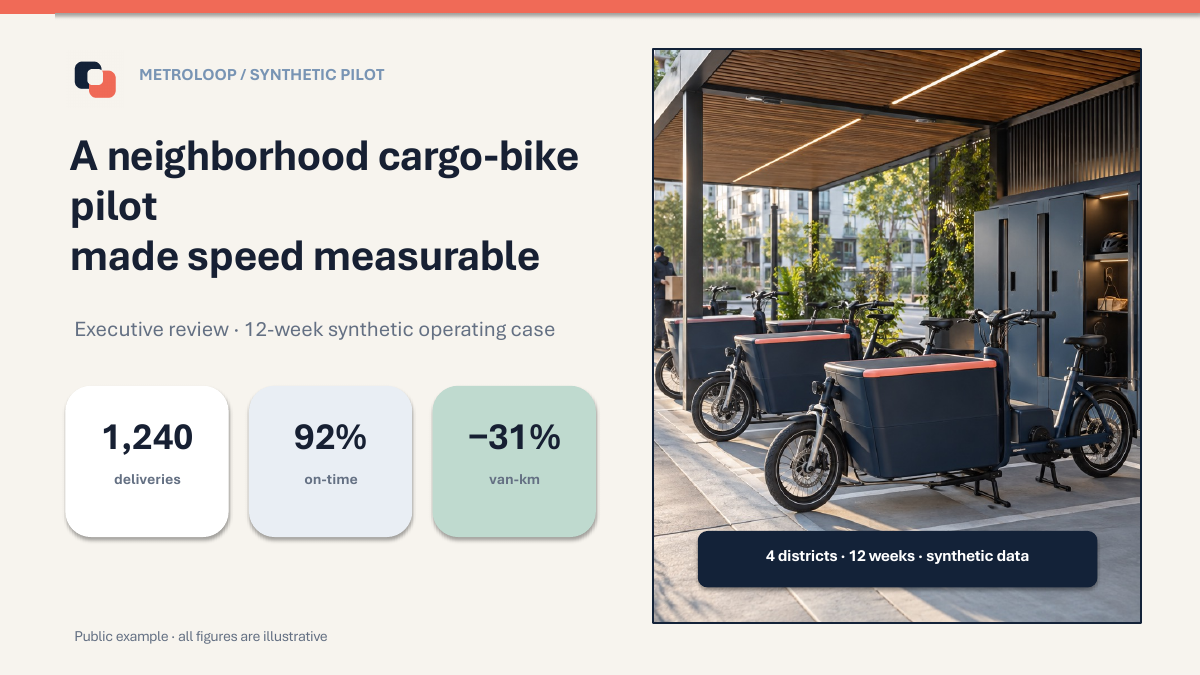
01Actual slide previewDense Executive
One workflow, more than one style
See what it makes.
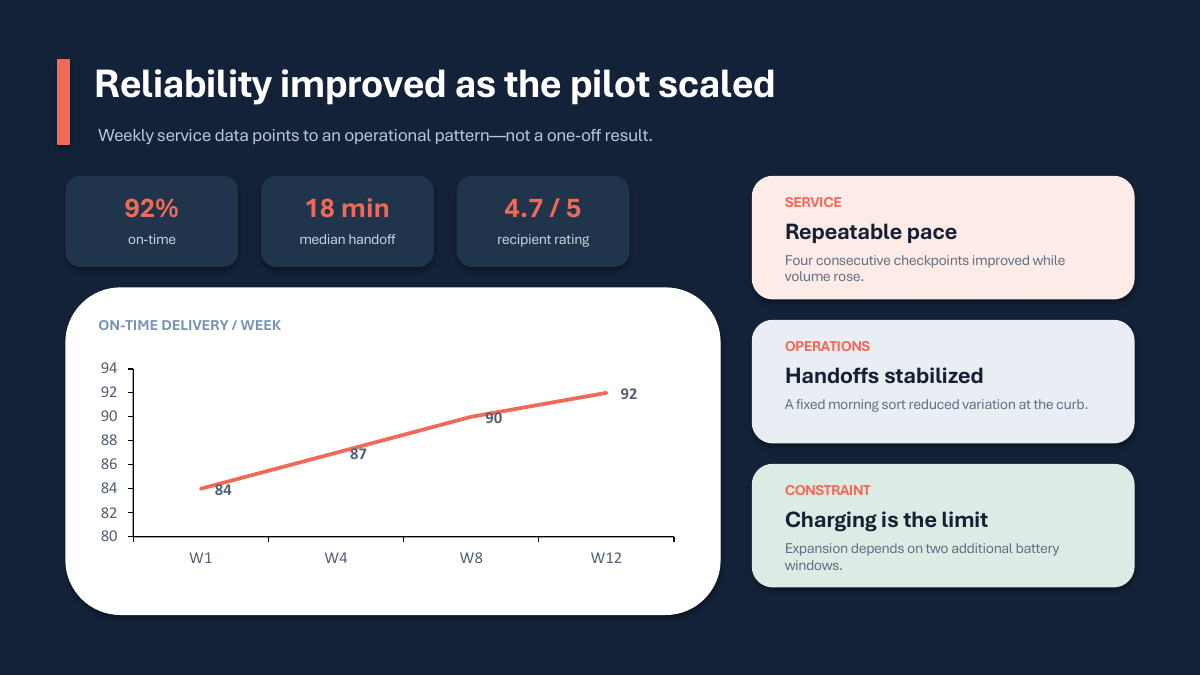
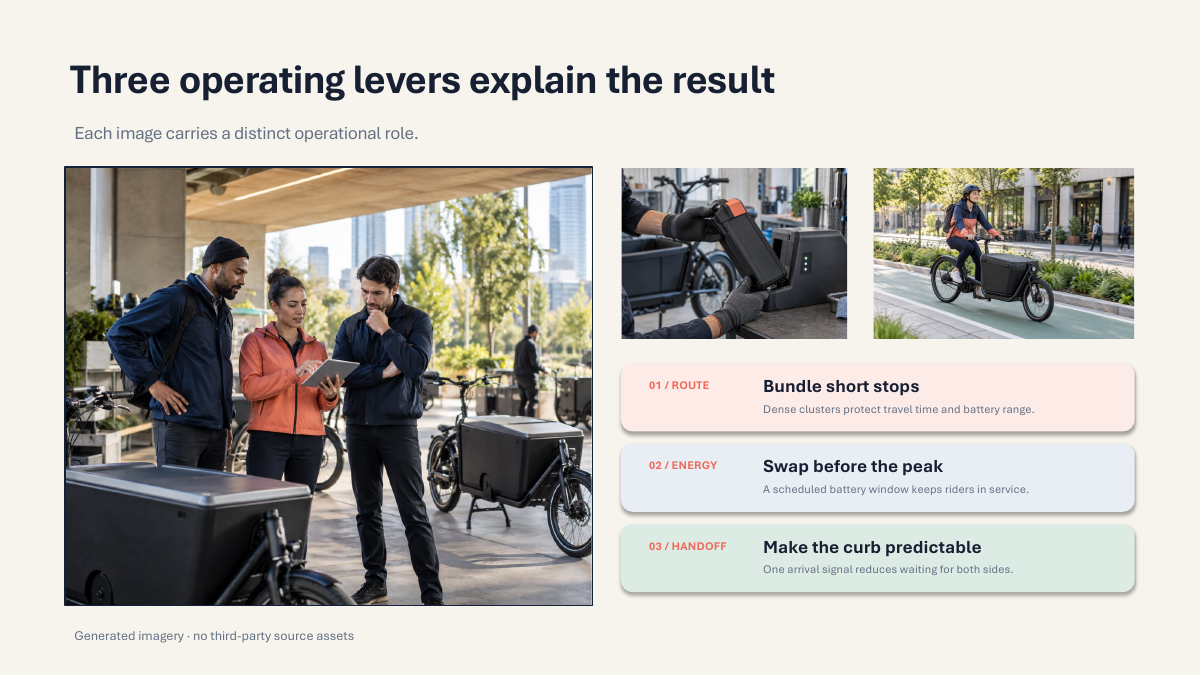
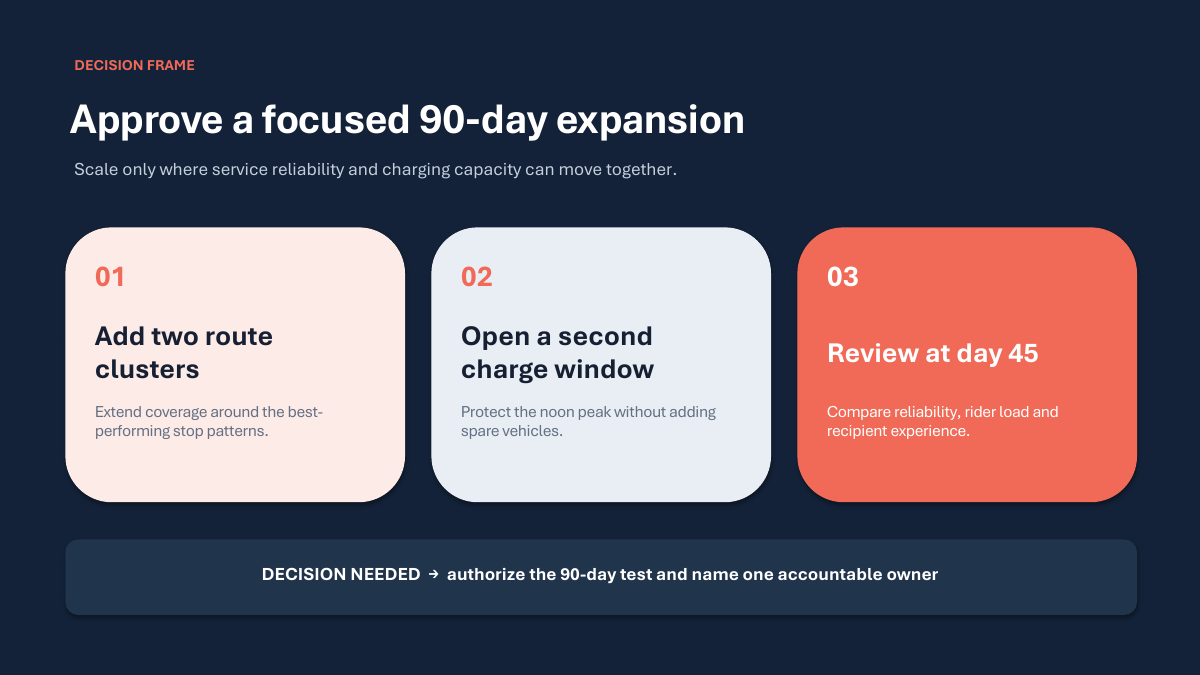
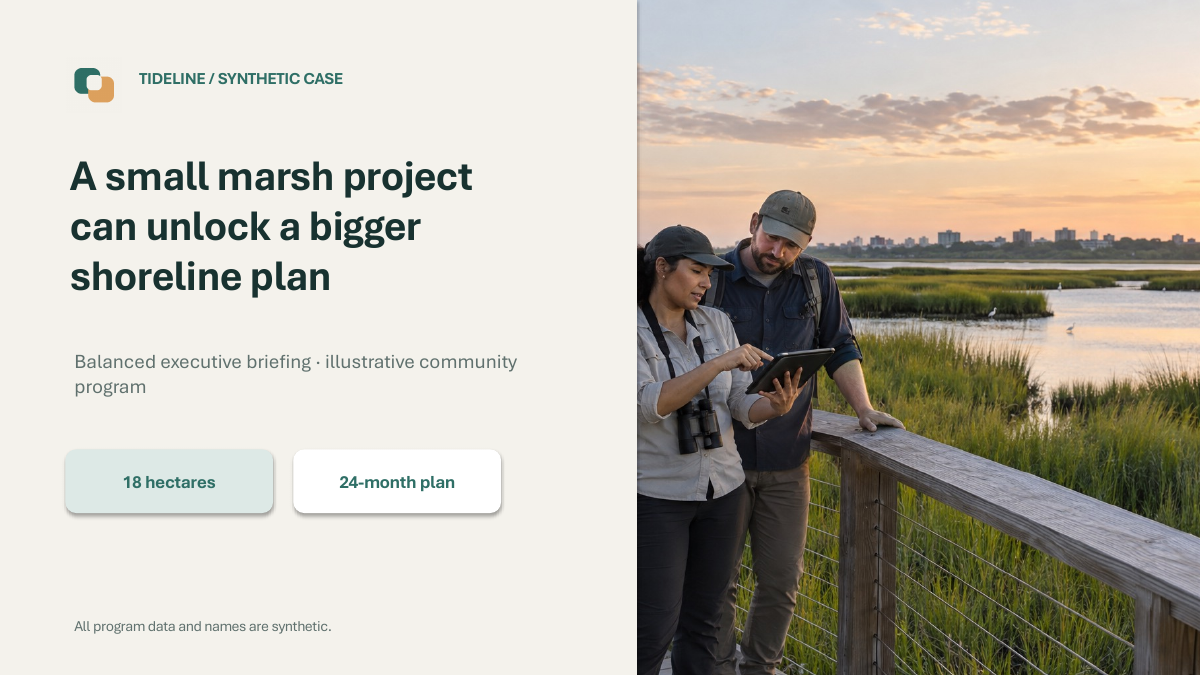
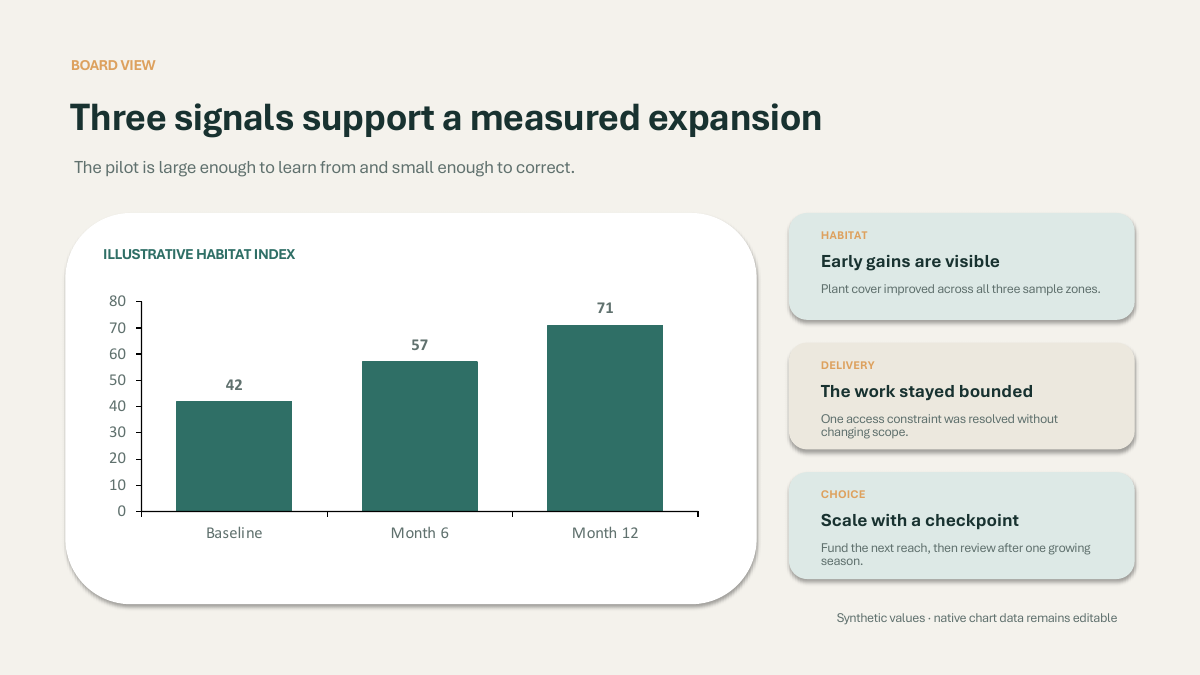
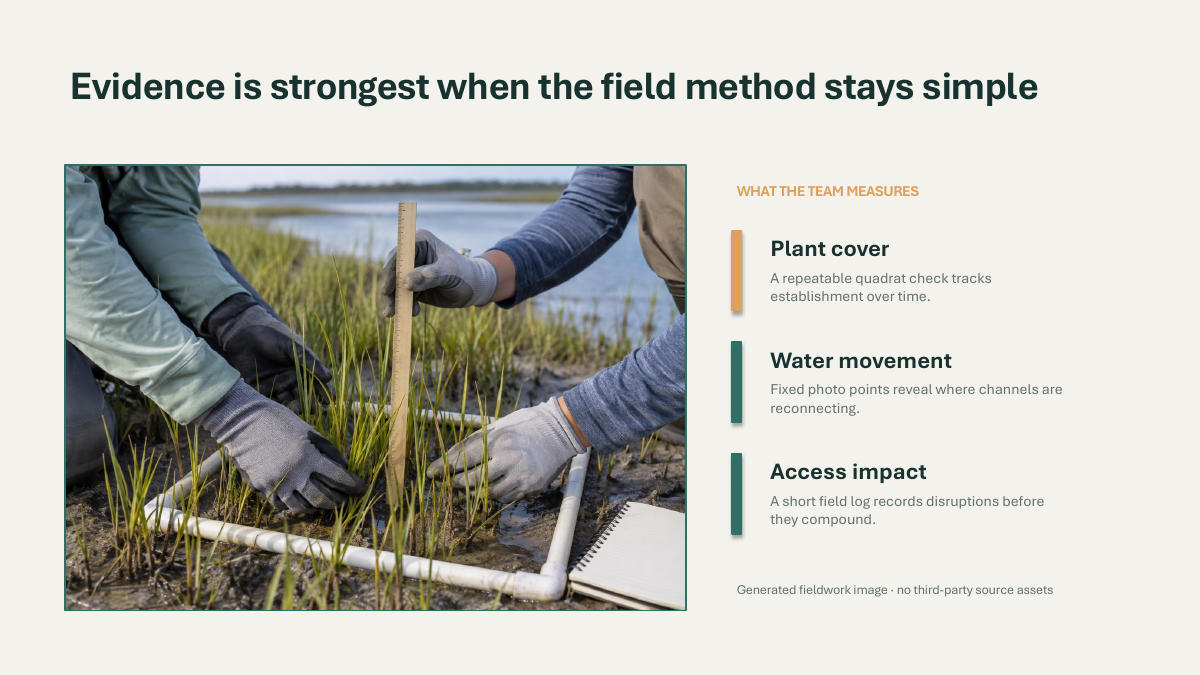
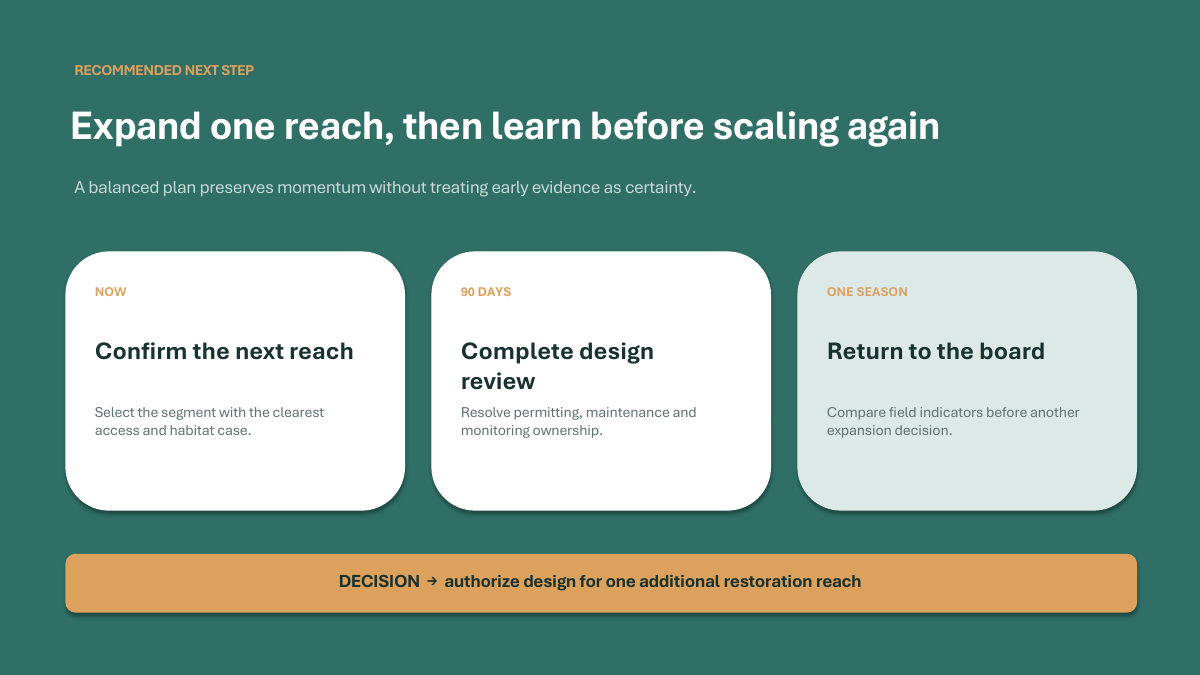
Both examples use synthetic cases and data. Previews come from actual PowerPoint output; images are replaceable objects, while text and suitable charts remain editable in PowerPoint.
The reality of CJK slides
The text-heavy slide
decided the division of labor.
In our tests, Gemini-generated images carry very little Traditional Chinese text — add more characters and they blur or hallucinate; the same layout holds dozens of Chinese characters under GPT. Slides are among the most text-dense visuals there are, so Antigravity plans the content while Codex (GPT) renders it. This division of labor was forced by reality, not preference.
More than placing words on slides
Grounded content.
Designed to be presented.
Clear responsibilities matter. Antigravity (AGY) owns meaning and source judgment; Kiro owns engineering; Codex owns visual rendering and PowerPoint delivery.
Grounded
Start from sources and approved content. Keep facts in context instead of letting polished phrasing stand in for evidence.
Designed
Use hierarchy, rhythm, and visual roles suited to the message—not the same template on every slide.
Editable
Text, important business fields, and suitable native charts can be continued in PowerPoint.
PowerPoint-ready
Hybrid PPTX balances visual fidelity and practical editing. Confirm the result in your target client.
Human approval stays in the loop
Agree on the direction.
Then build the full deck.
Not a one-shot generation handoff. Review and approve each important stage first.
- 01
Share sources
Set the topic, audience, and materials.
- 02
Approve the outline
Confirm the story and content scope.
- 03
Approve the style
Choose a visual direction for the job.
- 04
Review one real sample
See a completed Hybrid Sample before deciding to continue.
- 05
Produce the full deck
The remaining slides follow sample approval.
Not all flattened. Not forced to be all-native.
Edit what matters.
Keep the details that matter.
Choose a delivery approach by element role, so the deck stays useful after handoff.
Change it directly
Headlines, body copy, KPIs, and business-critical fields; suitable charts keep their native chart data.
Swap in your assets
Logos, photos, and supporting visuals stay as separate image objects, ready for your brand assets.
Preserve complex visuals
When native reconstruction would noticeably damage the design, complex regions can stay high-fidelity instead of becoming hard-to-maintain pieces.
Editability depends on the content and layout. We do not claim every element is fully native or identical across all PowerPoint clients.
QUICK START
Install it.
Try it with your sources.
Requires Python 3.11+, Git, and an agent environment with image-generation capability (implemented and tested against Codex's built-in image generation). This is a hard requirement — no image generation, no slides.
Read the full installation guide TERMINAL
# Get the project
git clone https://github.com/sujunmin/agy-ppt.git
cd agy-ppt

# Install runtime and skill
python3 skills/agy-ppt/scripts/codex_ppt_runtime.py bootstrap
mkdir -p ~/.gemini/config/skills
rsync -a --delete ./skills/agy-ppt/ ~/.gemini/config/skills/agy-ppt/
OPEN SOURCE / MIT
A better presentation workflow
is built together.
Bug reports, documentation, tests, layout and presentation-quality improvements, PowerPoint compatibility fixes, and reproducible examples are welcome.